Photo to Cartoon AI Generator
Create beautiful cartoon art inspired by your photos. Get creative cartoon interpretations of any picture with AI technology.
1Upload your photo
JPG, PNG or WebP, up to 10 MB
A clear photo with faces not too small works best.
2Describe the cartoon
3Output
Aspect ratio
Auto · 1 credit
Try an example
Photo to Cartoon Examples
A portrait, a pet or two friends together: upload one photo, name the cartoon style in your description, and the cartoon follows the people, the clothes and the scene of your photo.
Anime
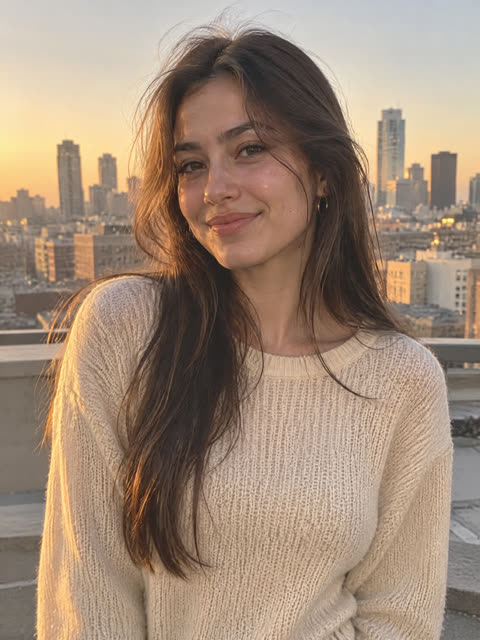
Photo 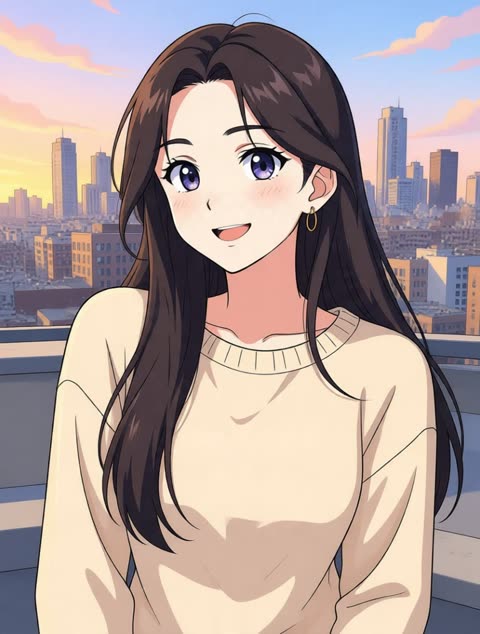
Cartoon 3D Animated Look
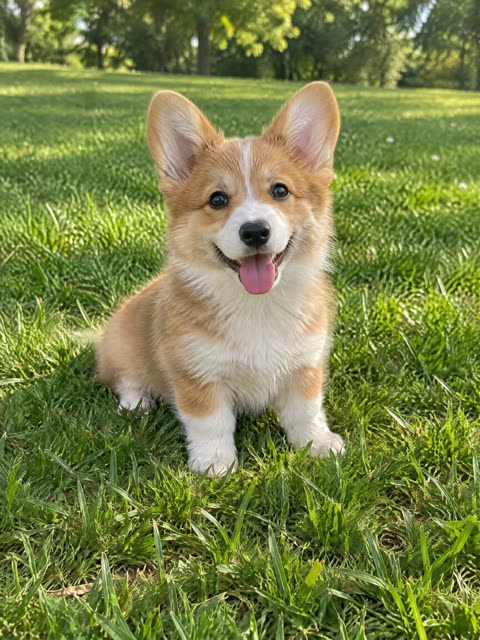
Photo 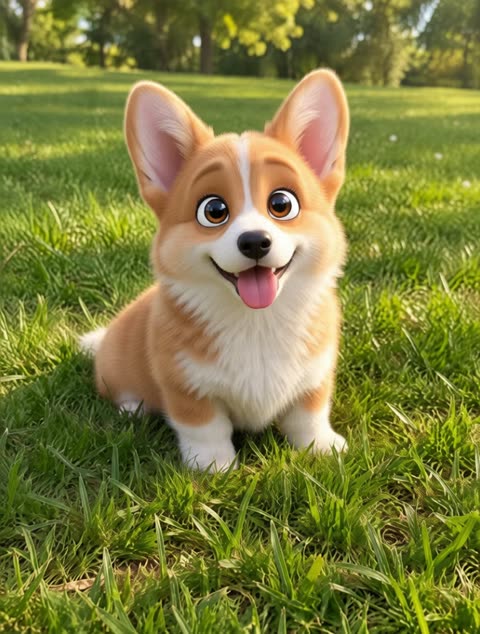
Cartoon 90s Cartoon
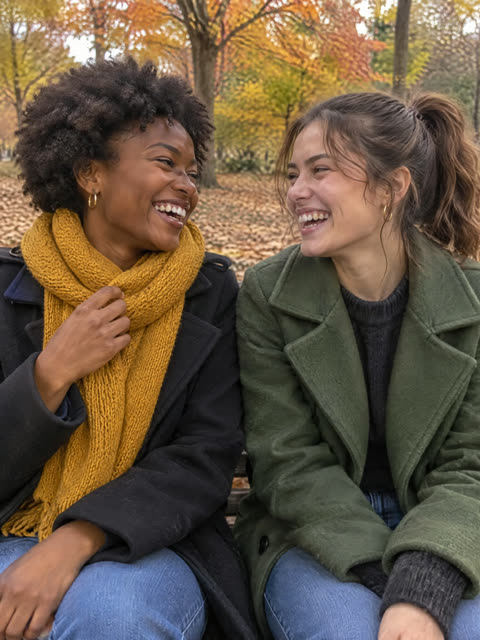
Photo 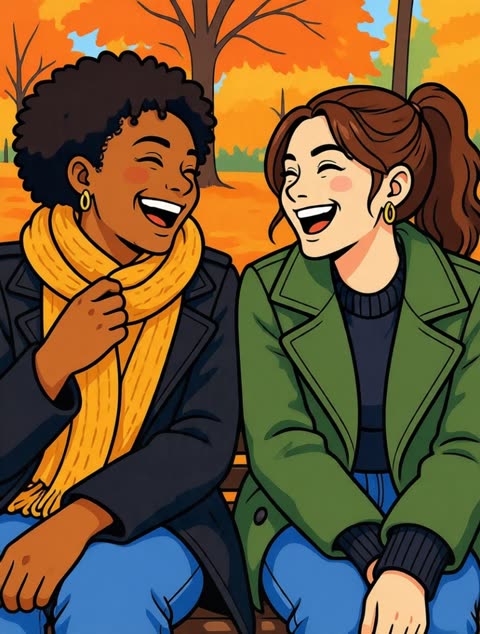
Cartoon Flat 2D Cartoon
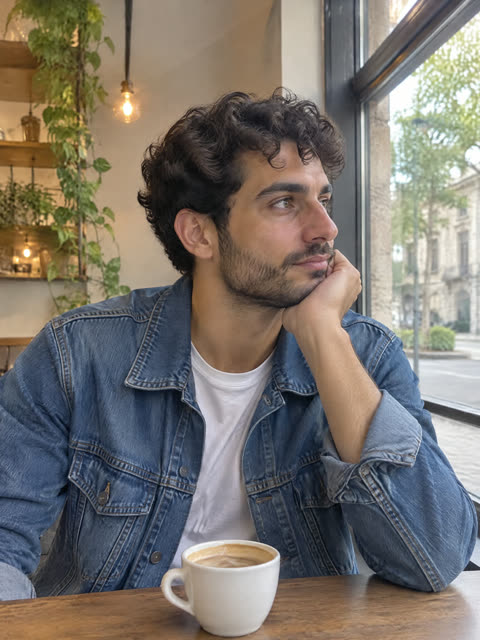
Photo 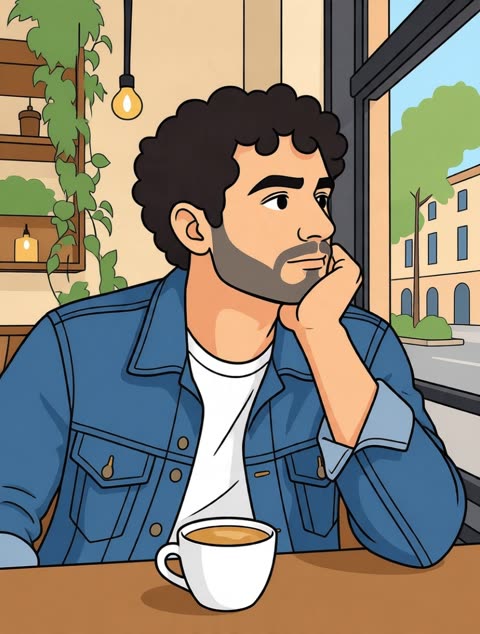
Cartoon
Why Choose Photo to Cartoon AI Generator
Creative Cartoon Creation
Our AI creates cartoon art inspired by your photo, keeping its subject and redrawing it in the cartoon style you describe.
Control with Your Description
Describe the cartoon style and mood you want, and what should stay as it is in your photo. The AI follows your description; if the first result is off, adjust the description and run it again.
Quick and Easy Process
Upload a photo, describe the cartoon you want and generate it, usually within a minute. No design skills needed.
How to Use Photo to Cartoon AI Generator
- 1
Upload Your Photo
Start by uploading a clear photo. Portraits, pets and small groups work best; faces that are small in the frame keep less detail.
- 2
Customize Your Result
Add a description of what you want to see in your cartoon: the cartoon style, the mood, and anything you want to change or keep.
- 3
Get Your Cartoon
Click generate and wait while our AI creates your cartoon, usually within a minute. Then download your cartoon image.
Frequently Asked Questions
What kinds of photos work best with Photo to Cartoon AI Generator?
Clear, well-lit photos work best, especially portraits, pets and small groups. Faces that are small in the frame keep less detail.
How do I choose the cartoon style?
Name the style in your description, for example a 90s cartoon, a classic anime look or a 3D animated look. The AI keeps the subject of your photo and redraws it in the style you describe.
How long does the creation take?
Most cartoons are ready within a minute.
Can I use these cartoons for my social media?
Yes. You can use your cartoon images for social media profiles, marketing materials, websites or personal projects, within our Terms of Service.
What's the best way to describe what I want?
Be clear about the cartoon style and mood you're hoping to achieve. Focus on describing the overall look you want for your cartoon creation.
Will my cartoon look exactly like my photo?
No, the AI creates a new cartoon interpretation inspired by your photo rather than an exact copy. Describe what should stay the same, such as the hair, the clothes or the background, to keep more of your photo.